A ledger per room
The flat, the trip, the family: each group is a room with its own ledger. Be in as many rooms as you like, and each one only ever sees its own costs.
 Expense Tracker
Record a cost the moment it is paid, split it the way it was actually shared, and know who owes whom without anybody adding up a month of receipts.
Open a room, free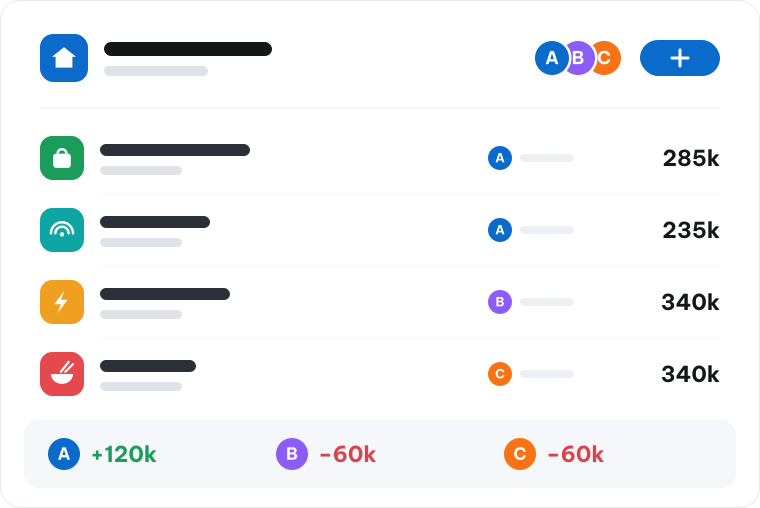
A room is the group of people who share a cost. The ledger belongs to the room, not to any one of them.
The flat, the trip, the family: each group is a room with its own ledger. Be in as many rooms as you like, and each one only ever sees its own costs.
Whoever opens a room invites the people who share its costs. Someone who leaves takes nothing with them: the history stays whole for everybody still in it.
Rent, utilities, groceries, eating out. Every room sets its own categories, each with an icon you recognise at a glance.
Every cost says who paid and who shared it. Shares can differ: a 50k lunch between two people can be 30 and 20, and each person's report counts their own share rather than half.
Pay in once and spend from the fund, or pay out of pocket and let the room owe you. Both land in the same balance.
Everyone puts money into the room's fund and shared costs are paid straight from it. The pay-in book shows who put in how much, and when.
When someone pays out of their own pocket, the cost carries their name and the room owes that person instead of drawing on the fund.
Handing back what is left or settling at the end of the month is recorded like any other entry, so the fund's balance always matches what is really there.
Two days without recording anything and the app reminds you once, then less and less often if you stay quiet. A new cost in the room notifies everyone on exactly the devices they signed in on, and nowhere else.
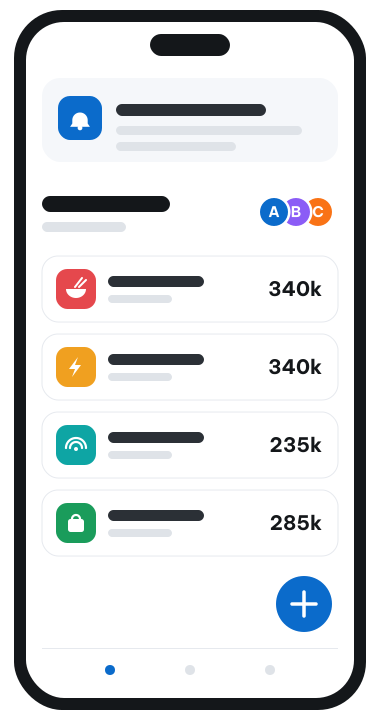
The room's figures are read from one place, so two people opening the app never see two different answers.
What you have spent, where you stand in the room, and your share of every category, including the ones you have not spent a thing in.
Where the room's money went over a period, already added up per category, so the line that is growing is the one you notice.
Export a room's ledger as CSV with the date, note, amount, category, type, who paid and who shared. It opens in Excel or Google Sheets.
Four steps, and the hardest is remembering to open your phone when you pay.
Record the cost on your phone as you pay: the amount, the category, and who shared it.
Everyone is notified and looks at the same total, so nobody has to ask again.
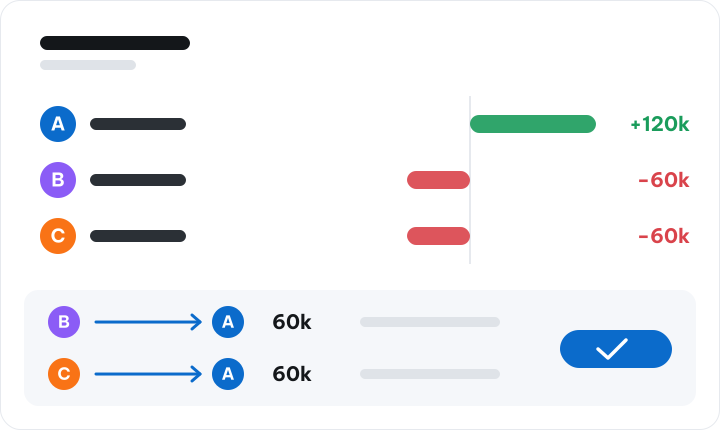
Each person opens their own report and sees whether they are owed or owe.
One transfer between the people who need one, and the room starts the next month.