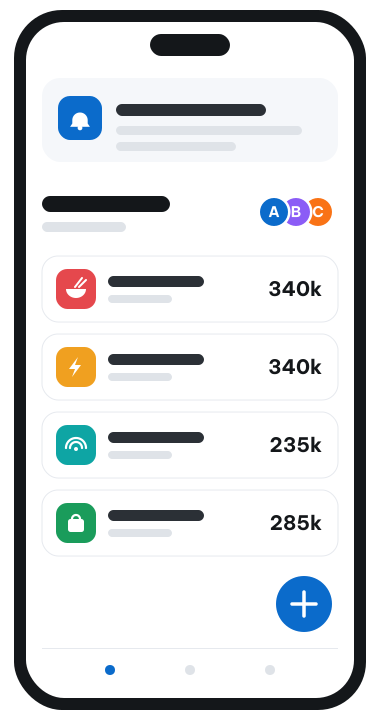
Expense Tracker
From the first bill to the last transfer
How a room works, step by step: who does what, what the app adds up for you, and what is left to do at the end of the month.
Open a room, free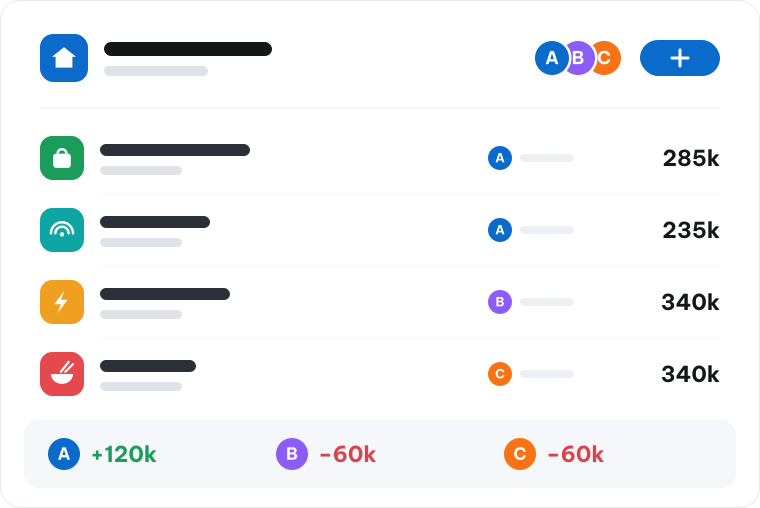
Once, when the room starts
Three things you do on the first day.
Open a room
Name it after the group: the flat on Tran Phu, the Da Lat trip, the family. You become its lead.
Invite the others
Everyone who shares the costs joins the room. Each of them sees the same ledger and the same total.
Set the categories
Rent, utilities, groceries, eating out. Every room keeps its own list, each with an icon you recognise.
Every month after that
What a normal month looks like, and it mostly takes seconds.
Record as you pay
The amount, the category, who paid and who shared it. Ten seconds at the till instead of an evening at the end of the month.
Check where you stand
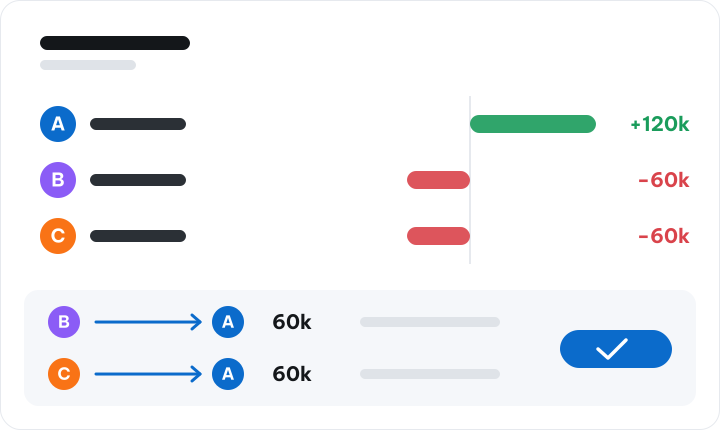
Each person opens their own report: what they spent, their share of every category, and whether they are owed or owe.
Settle up
One transfer between the people who owe and the people who are owed, through the bank you already use.
Shares follow what really happened
Not every cost is shared by everybody. Pick who shared it, and give each person their own share when it was not even. The room's balances follow each entry automatically.
A shared fund for the regular costs
For rent and bills, many rooms keep a fund: everyone pays in, and shared costs are paid from it. The pay-in book shows who put in how much and when, and what is left is always the real balance.
Reminded when you forget, left alone when you do not
Two days without recording anything and the app nudges you once, then less often if you stay quiet. A new cost in a room reaches the others on the devices they signed in on.